 StudyScript
A plan that fits you, not the other way around
StudyScript does the planning so you can do the work. Here's everything it handles.
Step 1
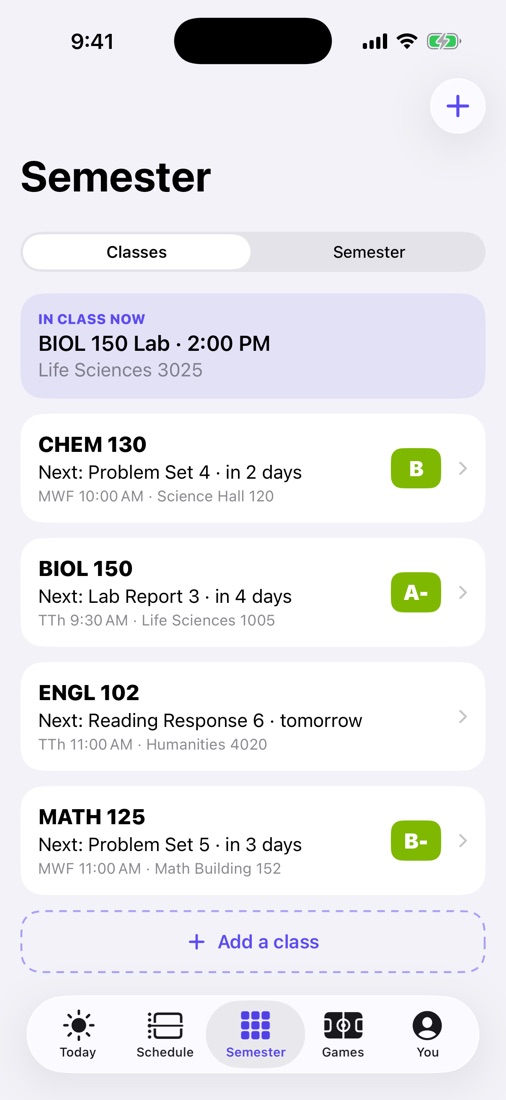
Add your syllabi
Take a photo, scan it or pick the PDF. StudyScript finds every graded item, its date and what it's worth, plus office hours, late policy and the final exam. Anything it's unsure about is flagged for you to check.
- About 10 seconds a class
- Classmates already added it? It's instant
- Class times too, so your schedule fills in
Step 2
Get a plan around your real week
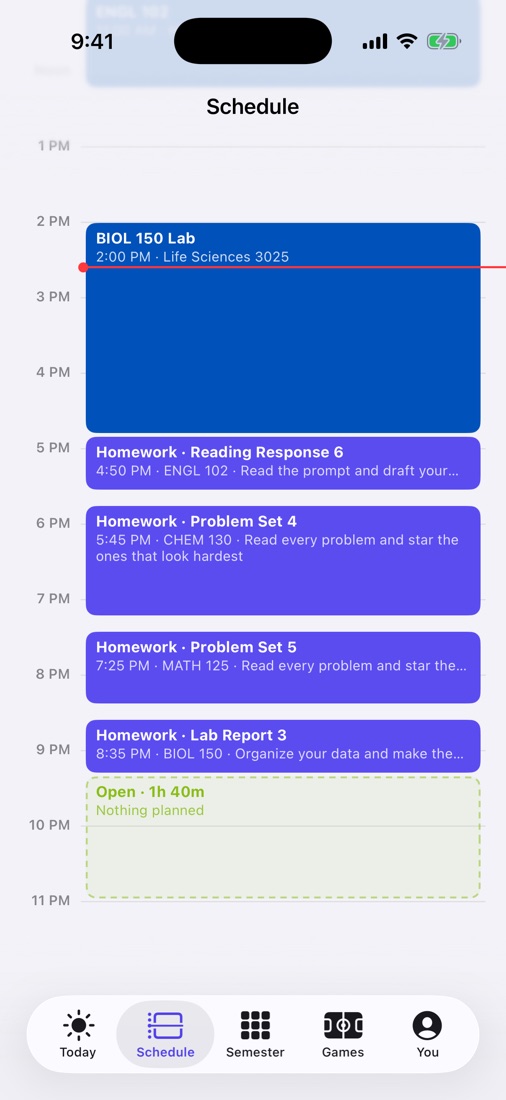
StudyScript reads your calendar (event names never leave your phone) and fits homework into your open time: around classes, work shifts, practice and plans. Big projects become small steps, always finished before they're due.
- Tap a block to see why it's there
- Move anything; it never lets homework slip past a due date
- Fell behind? It sorts out what to finish first, without guilt
Step 3
It learns how you work
Everyone's different. In about two weeks, StudyScript learns when you focus best, how long each class really takes you, and how much you can do in a day, then rebuilds your plan around it. It tells you what it learned, and answering a few quick questions speeds it up.
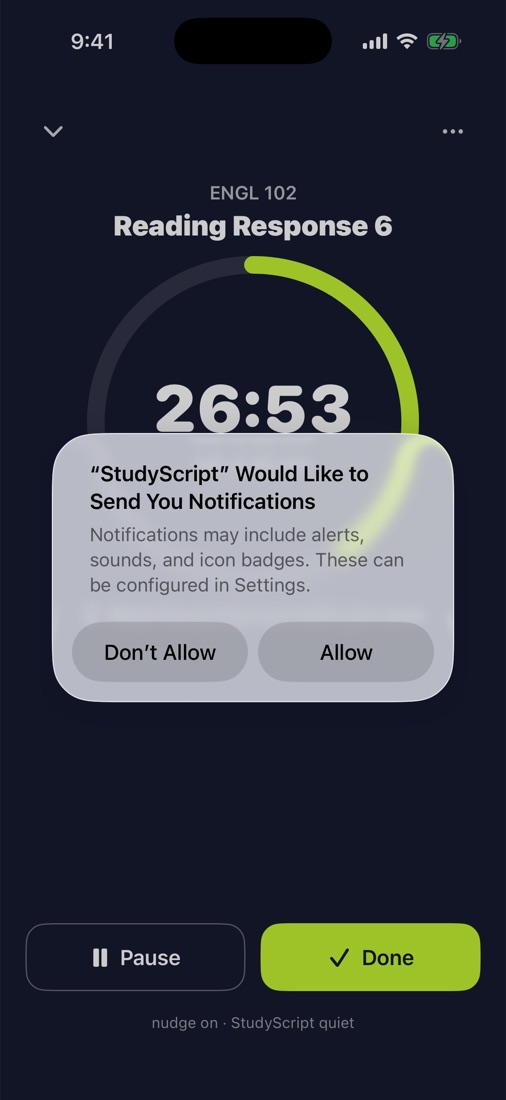
- Check off blocks or use focus sessions
- An optional 5-second evening check-in
- Everything learned stays on your phone
And the rest of college
Class sites
Connect Canvas, Blackboard, Brightspace, Moodle or Google Classroom with a private calendar link. Never your password.
Group projects
Invite your group with a code, split the work, find a time everyone's free, and your part lands in your plan.
Study together
See how many classmates use StudyScript and post or join study sessions for your classes.
Grades
Your grade in every class and exactly what you need on the rest, final included.
Focus sessions
A timer on any block, optional Do Not Disturb, and your real time logged automatically.
Game days
Optional: follow your teams and your work gets done early so game day stays free.